I previously flashed OpenWrt onto a Wavlink WN575A3 wireless repeater and deployed more of them at home. One of them died recently as it could no longer be powered so, so I bought a new one to replace it.
It looks like the recent 2025 versions of WN575A3 now comes with a slightly different factory firmware. The key difference is that the repeater’s homepage is now at 192.168.30.1 instead of 192.168.10.1. Doing a port check, there are only opened ports at 80 and 443, with no open ports at 21,22,23,2323. Fortunately, it is still possible to get OpenWrt flashed onto the router. In fact, it is easier now by just visiting http://192.168.30.1/html/meshUpgrade.html and uploading the sysupgrade firmware corresponding to the Wavlink WN575A3 on OpenWrt. The Wavlink initial configuration page can be skipped.
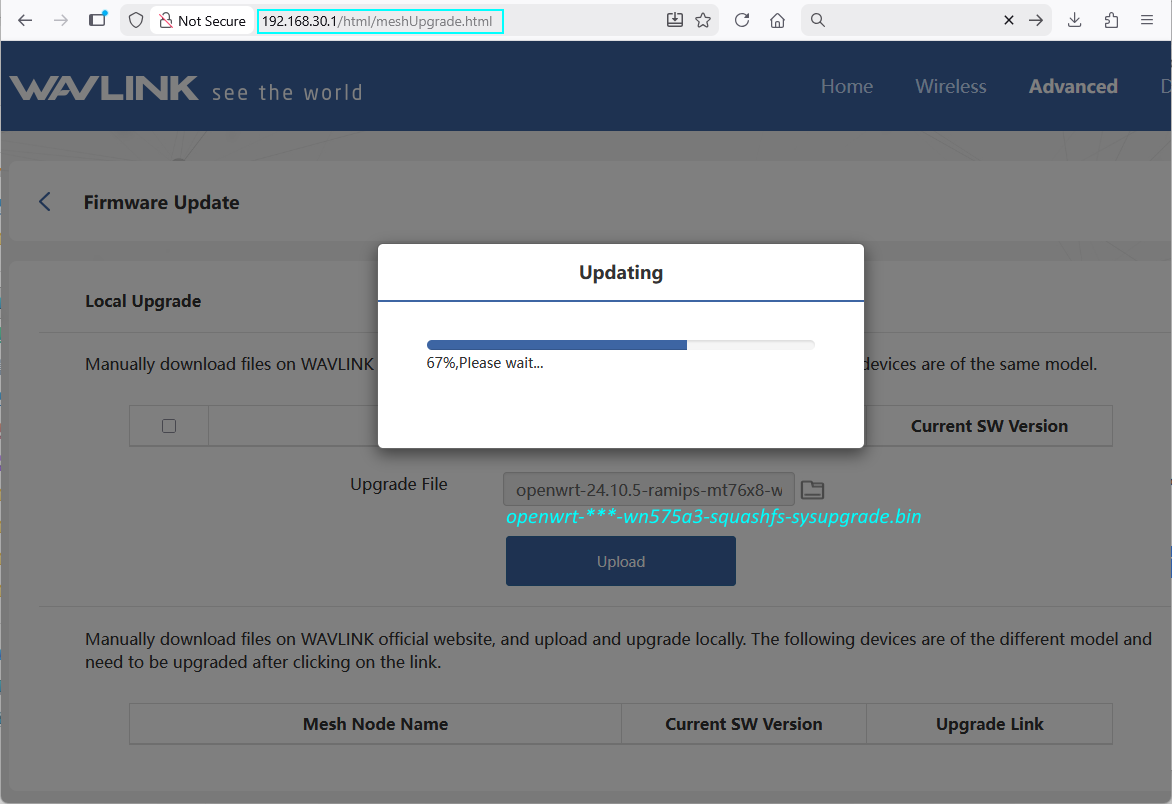
After flashing to OpenWrt, only 1 of the 2 radios were the 5GHz wifi was available. Checking with lspci, it looks like I have a new MediaTek chip that did not match the firmware downloaded from OpenWrt.
root@WL-WN575A3:~# lspci

00:00.0 PCI bridge: MEDIATEK Corp. Device 0801 (rev 01)

01:00.0 Unclassified device [0002]: MEDIATEK Corp. Device 7663

root@WL-WN575A3:~# opkg update && opkg install kmod-mt7615-firmware kmod-mt7615-common
...
After installing the drivers, run the following to reconfigure the wireless.
rm /etc/config/wireless
wifi config
uci show wireless
The Wavlink WN575A3 should now be working great with OpenWrt.